Why Mobile Campaign Links Often Underperform
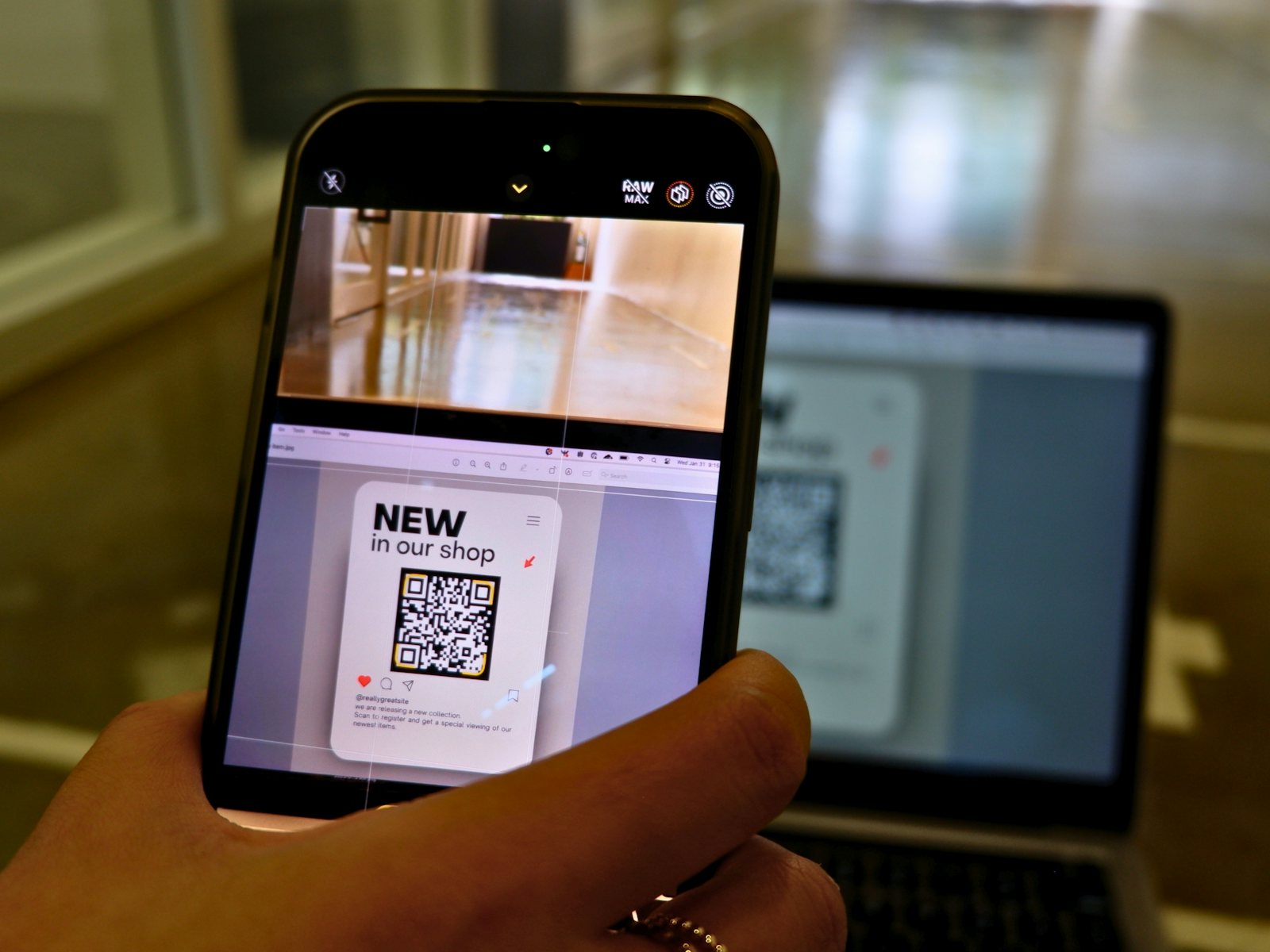
When social clicks convert poorly, the issue is sometimes the browser context rather than the audience. Here is how to diagnose that problem.
The Situation
A common campaign problem looks like this: social posts receive clicks, but the destination performs worse than the same page does from email, search, or direct traffic. The easy assumption is that the creative was wrong or the audience was low quality. Sometimes that is true. Often, the path after the click deserves just as much attention.
What to Check First
Start by comparing device type, referrer, and landing-page behavior. If most clicks are mobile and the referrer is a social app, many users may be opening the destination inside an in-app browser. That environment can behave differently from Safari, Chrome, or a native app. Cookies may not carry over, saved passwords may not autofill, and payment or login flows can feel slower.
This is not a magic explanation for every weak campaign. It is a diagnostic step. If the destination depends on a logged-in app experience, saved checkout details, or media playback inside a native app, the browser context can materially change the user's experience.
How to Test the Hypothesis
Create separate short links for each channel so you can isolate traffic sources. Test the destination from a phone in three places: the default browser, the relevant native app, and the in-app browser where the link will be shared. Note where the user is logged in, how many taps are needed, and whether the page loads the same content.
What to Change
If the native app experience is clearly better, use a device-routing rule to send each visitor to the right store or page, and keep a normal web URL as the fallback. If the web page is the only reliable path, focus on mobile page speed, simplified forms, and a destination that does not require hidden session state from another browser.
The useful lesson is practical: measure the path after the click, not only the click count. Link analytics help identify where the friction begins, but the final decision should come from testing the destination on real devices.
A Diagnostic Checklist
When a channel underperforms, work through the checks in order from cheapest to most expensive:
- Is the traffic real? Compare clicks to landing-page sessions. A big gap can mean slow pages that visitors abandon before they load, or link previews being fetched by chat apps.
- Is the message matched? Does the landing page repeat the promise from the post? A mismatch between the two is one of the most common reasons for a fast exit.
- Is the device experience acceptable? Load the page on a mid-range phone over a mobile connection, not on your office Wi-Fi.
- Is a login or cookie wall in the way? Anything that requires a saved session is at a disadvantage inside an in-app browser.
- Is the offer itself the problem? Only after the checks above should you conclude that the audience or creative was wrong.
Landing Page Basics That Fix Most Mobile Problems
Mobile visitors are impatient and usually one thumb-tap from leaving. Google's Core Web Vitals guidance treats a Largest Contentful Paint under 2.5 seconds as good, so aim for the main content appearing quickly. Put the primary action above the fold, keep tap targets large enough to hit comfortably (Apple and Google both suggest roughly 44–48 pixels), avoid pop-ups that cover the page on arrival, and make forms as short as you can. If the page requires an account, offer a guest or one-tap option first.
Reading the Comparison Fairly
Comparing one channel to another only means something if the visitors want the same thing. A social visitor scrolling casually and a subscriber who opened your newsletter on purpose are in different mindsets, so a lower conversion rate from social is normal. The useful comparison is the same channel over time: did the rate improve after you changed the page? Change one thing at a time, and give each change enough clicks to mean something before you decide it worked.
What Not to Conclude
Avoid three tempting mistakes. Don't assume the in-app browser is the cause just because the referrer is a social app — confirm it with a real-device test. Don't judge a change from a handful of clicks, since small numbers swing wildly. And don't treat a single campaign as a rule: results depend on the audience, the offer, and the timing, so the goal of this kind of analysis is to find what to test next, not to declare a universal answer.