Diagnosing a QR Code Campaign That Underperformed: A Step-by-Step Framework
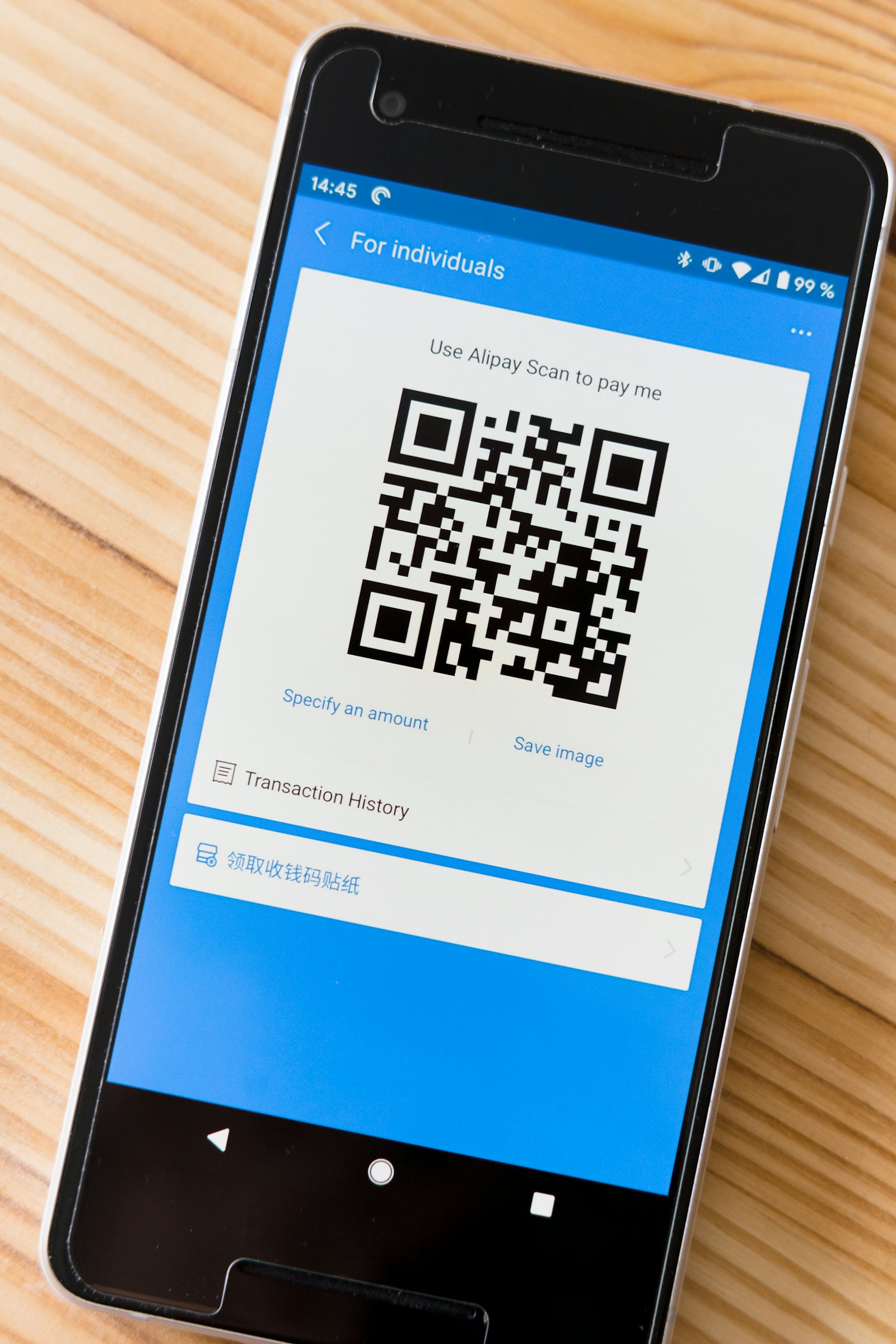
A QR code with low scan counts could be a design problem, a placement problem, or a destination problem — and each has a completely different fix. Here's the order to check them in.
Step 1: Rule Out a Design Problem
Before assuming a low scan count is an audience or placement problem, verify the code itself is physically scannable at the size and material it was printed on. A code below the minimum reliable size for its viewing distance — roughly 2.5cm square for handheld materials, 8cm square or larger for materials viewed from a meter or more away — will fail silently. People don't report a code that wouldn't scan; they simply give up and move on, which looks identical in your data to "nobody was interested."
Step 2: Check Whether There's a Clear Call-to-Action
A code with no surrounding text explaining what scanning it will do has a structurally lower scan rate than one paired with a specific, concrete reason: "Scan for the full menu," "Scan to see size availability," "Scan for a 10% discount code." If the code is unlabeled or the label is vague ("Scan me!"), the fix is often as simple as adding a specific, benefit-stated call-to-action next to the existing code — no reprint of the code itself required if the label is a separate design element.
Step 3: Verify Placement Matches Actual Behavior
A code placed somewhere people are moving quickly (a busy walkway, a fast-moving checkout line) will scan worse than the same code placed somewhere people naturally pause (a table, a waiting area, a static queue). If scan data is low despite a well-sized, well-labeled code, physically observe or reconsider the environment the code is placed in — the design may be fine while the placement gives people no natural moment to stop and scan.
Step 4: Confirm the Destination Loads Well on Mobile
If scan counts (tracked via the underlying short link) are reasonable but engagement after the scan is low, the problem has moved from the code to the destination. Check actual mobile page load time and whether the destination requires horizontal scrolling, tiny tap targets, or a slow-loading asset before the relevant content appears. A scan is a moment of genuine intent — losing that visitor to a slow or poorly-formatted mobile page is a solvable, and often overlooked, failure point separate from the QR code itself.
Step 5: Compare Against a Deliberately Different Version
Once the obvious issues above are ruled out, the most reliable next step is a direct comparison: print a second version of the material with a different call-to-action, different placement, or larger code size, each pointing to its own distinct short link so you can compare scan counts directly. Guessing which single factor mattered most from one underperforming version alone is unreliable; a side-by-side test with separate tracked links isolates the actual variable.
Work Out Your Scan Rate
Raw scan counts don't tell you much without knowing how many people could have scanned. If you can estimate how many people saw the material — mailed pieces, foot traffic at an event, impressions on a printed ad — divide scans by that number to get a rough scan rate. Even an approximate figure gives you something to compare across placements and designs. Two posters with the same scan count are very different if one was seen by ten times as many people.
Build a Simple Scorecard
Before changing anything, record the basics in one place: where each code was placed, its printed size, the call-to-action wording, the short link it uses, the dates it was live, and its scans so far. With separate short links per placement, you can see which locations perform best and which barely register. A scorecard turns a vague sense that the campaign "didn't work" into a specific list of what to fix first.
Give Tests Enough Time
Physical materials build up scans slowly. A poster in a waiting room may take days to collect enough views for a fair judgement, and mail arrives over several days rather than all at once. Decide in advance how long you will wait before judging a placement, write it down, and resist the temptation to change things after the first quiet day. Changing several things at once during the test also makes it impossible to know which change mattered.
Decide What Success Looks Like
Finally, be clear about what the code was supposed to achieve. Not every code exists to maximize scans; some are there to make a rare, high-value action convenient. If the goal was ten reservations from a poster and you got twelve, the campaign worked even if the scan count looks small. Setting the target before you print keeps you from judging results against expectations you never actually had.
The Order Matters
Check design and size first, because they're the cheapest and fastest to rule out. Check placement and call-to-action second, because they usually don't require a reprint. Check the destination last, because it requires the most work to fix — but also because a fully correct code pointing at a broken destination is the single most common root cause once the obvious code-level issues are ruled out.