Reading Referrer Data From Group Chats and Messaging Apps (The New 'Direct' Traffic)
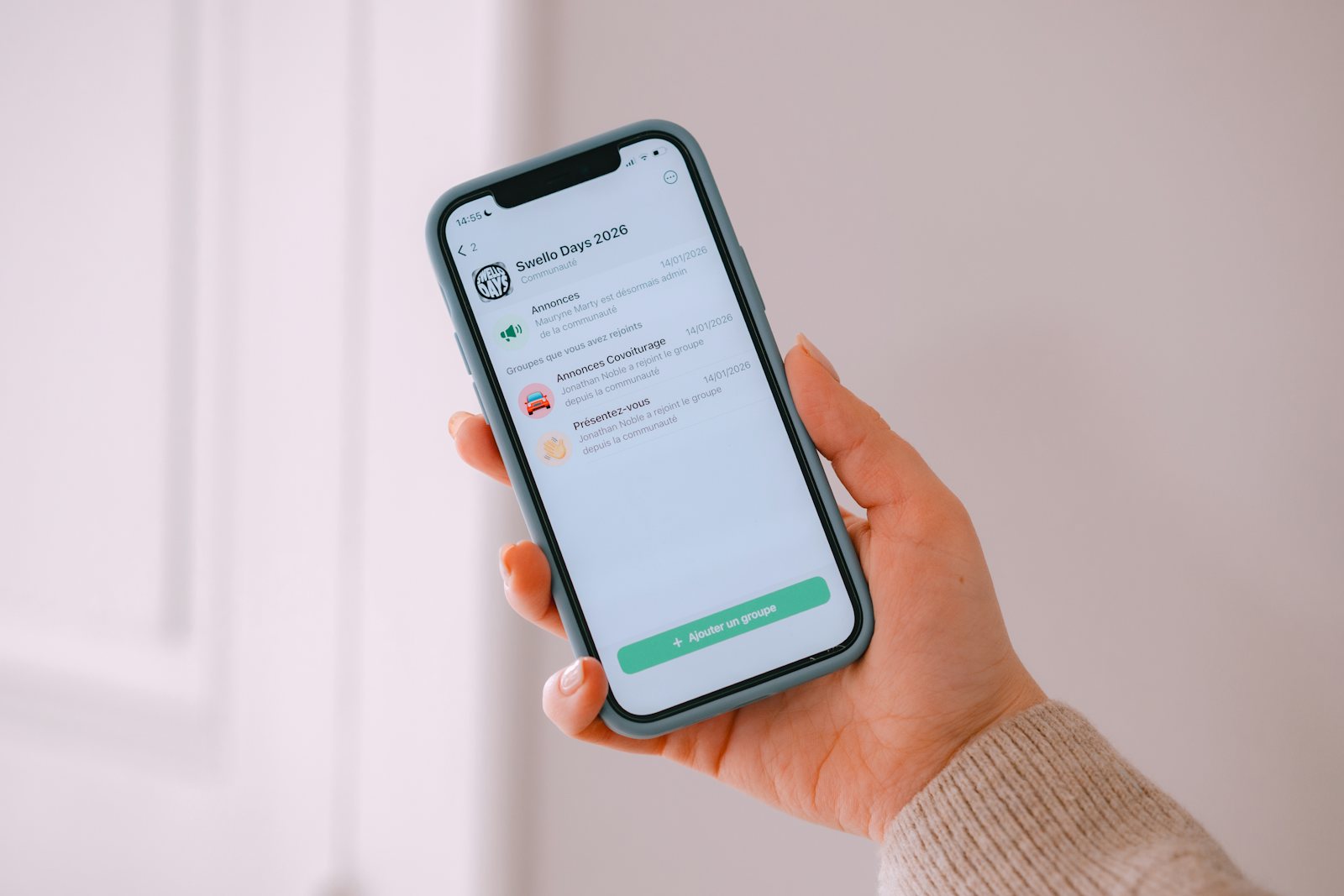
WhatsApp, Telegram, and iMessage all fetch a link once to generate a preview card — before any human ever clicks it. Confusing that fetch with a real visit is one of the most common link-analytics mistakes.
The Mechanism Nobody Notices
When you paste a link into WhatsApp, Telegram, iMessage, Slack, or Discord, the app almost always fetches that URL automatically, once, in the background — before you even hit send. This is how it generates the preview card: the title, description, and thumbnail image that appear under the link. That fetch is a real HTTP request to your server, and if your analytics aren't distinguishing it from a genuine visitor click, it inflates your numbers with traffic that never involved a human looking at the destination.
How to Spot a Preview Fetch vs. a Real Click
Preview fetches typically come from identifiable infrastructure: requests from WhatsApp's servers, Slack's link-unfurling service, or Discord's embed bot, often with a distinct user-agent string and originating from the platform's own server IP ranges rather than a residential or mobile connection. A real click, by contrast, comes from the actual visitor's device and browser after they tap the rendered link in their chat.
The practical tell: a preview fetch happens once, almost immediately after the link is pasted into the chat — often within a second or two. A real click can happen anywhere from seconds to days later, whenever a chat participant actually taps the link, and can happen multiple times if multiple people in the group click it.
Why This Inflates Click Counts Specifically for Group Chats
A link pasted into a 50-person Slack channel generates exactly one preview fetch (the first time it's unfurled) but could generate anywhere from zero to 50 real clicks depending on how many people actually tap it. If your analytics can't tell these apart, a link with genuinely zero engagement can still show one "hit" — enough to look like it did something, when it didn't.
What Good Link Analytics Should Do Here
Server-side click logging that inspects the request's user-agent and timing pattern can reasonably separate known preview-bot fetches from device-originated clicks. This is exactly the same category of filtering used for AI crawler traffic and general bot traffic — treat any automated, platform-infrastructure request as a non-visit event, and only count requests that carry the signature of an actual device and browser.
Which Apps Generate Previews, and How
Most messaging and social apps build previews by fetching the page and reading its Open Graph tags — the og:title, og:description, and og:image values in the page's head. Slack, Discord, Telegram, WhatsApp, Facebook, X, and LinkedIn all do some version of this, and several identify themselves with recognizable user-agent names such as Slackbot, Discordbot, Twitterbot, or facebookexternalhit. Some apps behave differently: certain messengers build the preview on the sender's own phone rather than on a company server, which can make that single fetch look like it came from an ordinary device. So the absence of a bot label does not prove a request was a human clicking.
Use Previews to Your Advantage
Because the preview is the first thing recipients see, it deserves as much care as the link. Set a clear page title, a one-sentence description, and a preview image sized around 1200 by 630 pixels so it displays well across apps. A link that unfurls into a clean card with a sensible title looks trustworthy; one that shows a blank box or a generic file name looks like spam. After you change a page's preview, remember that many apps cache the old version, so test with a fresh message or use the platform's own debugging tool to refresh it.
A Simple Way to Measure Real Engagement in Groups
Give each group or channel its own short link — launch-teamchat, launch-community, launch-family — instead of reusing one link everywhere. Then read the numbers with the preview effect in mind: subtract one likely preview hit per link when it was first pasted, and focus on clicks that arrive later and from different devices. Over several posts you will develop a feel for the baseline "zero-engagement" count and can spot when a link genuinely outperforms it.
What Not to Conclude From Group Chat Data
Chat sharing is private, so you can't see who saw a link, only who clicked it. A link with few clicks in a busy channel may have been read and acted on some other way — people often go to the destination directly once they know what it is. Treat click counts from messaging apps as a floor on interest rather than a full measure, and pair them with a direct question when it matters: simply asking the group how they found something often tells you more than any dashboard can.
The Takeaway for Anyone Sharing Links in Chat
If you're sharing a short link into a large group chat or channel and want to know whether it actually got engagement, don't just check whether the click count is greater than zero — a single preview-fetch artifact can produce that on its own. Look at the timing distribution: a cluster of clicks spread out over hours or days, from varied devices, is real engagement. One hit at the exact moment the message was sent is very likely just the preview card being generated.